Task Groups which replaces the traditional SubDAG’s help us manage and organize multiple subtasks in a much efficient and visually understandable way.
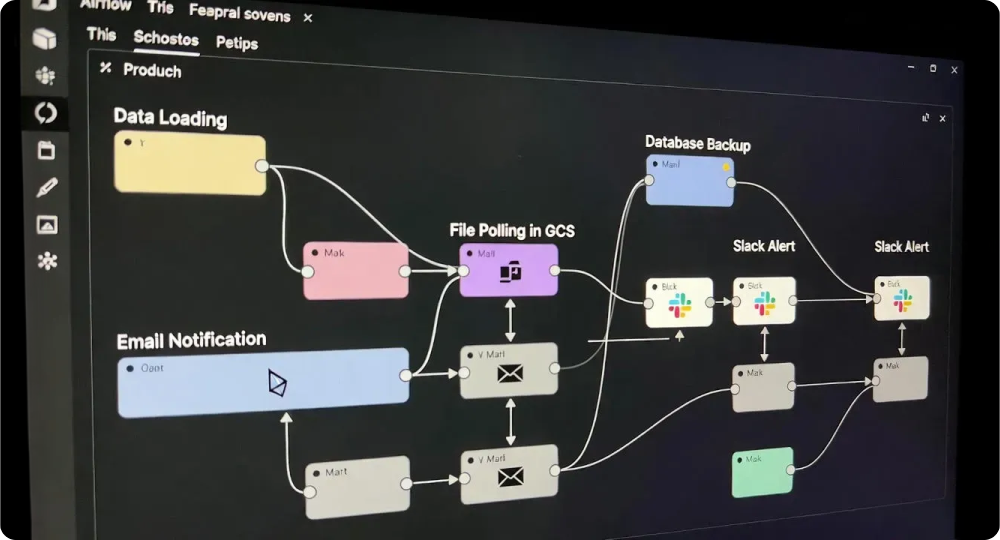
We have an ETL requirement that needs the below tasks to be written in Airflow and executed at regular intervals.
- Call the parser to load the data into the system.
- A batch file comes up every day in a GCS path /pathB.
- Poll for the file in a specific GCS path.
- Call the parser to load the data into the system
- Trigger the backup Job of the database.
- Trigger an email notification.
- Trigger a Slack alert.
We would start writing 9 tasks providing their dependencies as below.
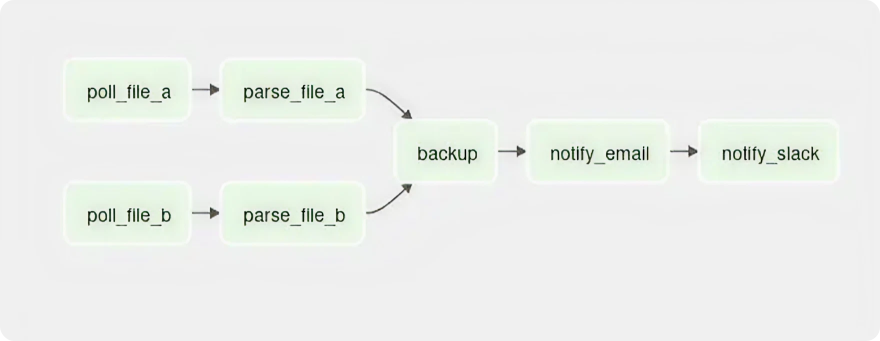
When we have a greater number of tasks, we land on the below-described problems,
- We are unable to get a bigger picture of all the available tasks.
- Code becomes cumbersome for both maintenance and feature enhancements.
- We are unable to modularize the codes.
We ultimately search for a more effective method of nesting the Tasks within the DAG. We are looking for a way to group our tasks and manage them in a way that is more productive and efficient.
SubDAGs
Let`s take the above example and write SubDAGS, then we would be writing up 3 SubDAGs with one per SubDAG per processing of the file and one for backup and notification. The SubDAGs would look as below.
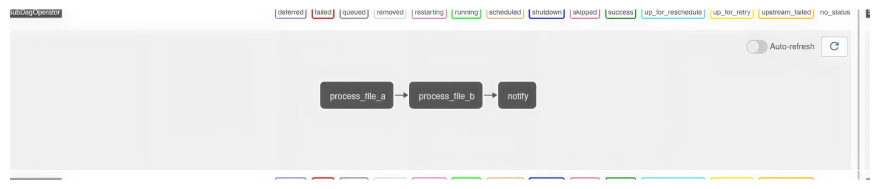
To view the tasks under a SubDAG, we click on it and we will land on another page called SUBDAG view where we can see the list of SubDAGs.
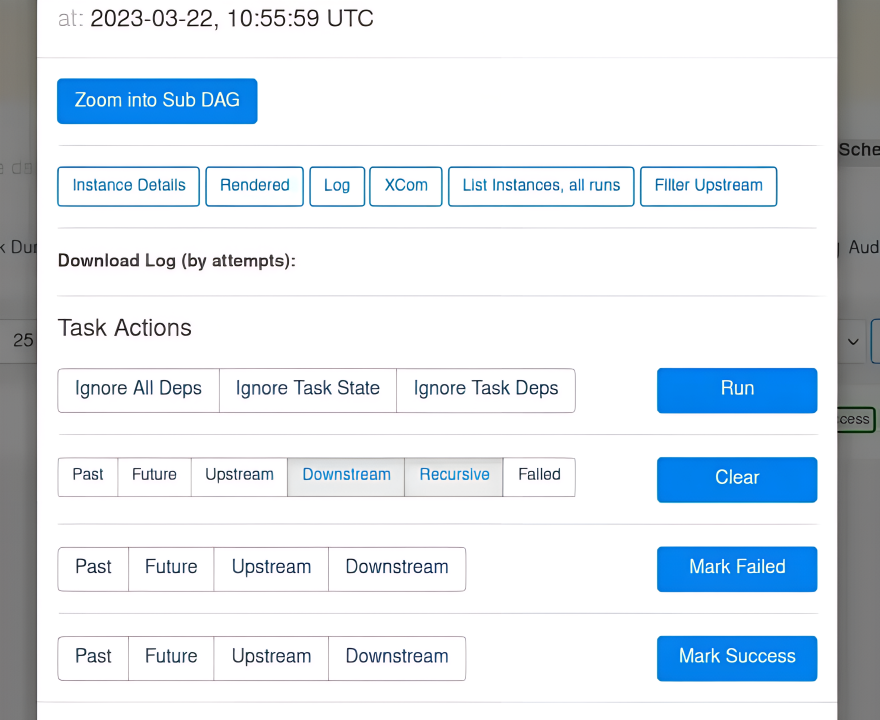

Below are possible issues arising out of SubDAGs
- When a SubDAG is triggered, the SubDAG and child tasks occupy worker slots until the entire SubDAG is complete. This can delay other task processing and, depending on your number of worker slots, can lead to deadlocking on the other hand TaskGroups are just a logical representation of the Tasks and eliminates this issue
- SubDAGs have their parameters, schedule, and enabled settings. When these are not consistent with their parent DAG, unexpected behavior can occur
- SubDAG task status cannot be seen at the parent level and must be drilled down further to be seen as SubDAG. It exists as a separate DAG.
- Coding time was long, and code maintainabilitytook time.
The introduction of TaskGroups was primarily motivated by the need to address these issues.
With Airflow 2.0, subDAGs were deprecated and TaskGroups were introduced. There is also a possibility to remove the subDAG feature from Airflow 3.0 onwards.
TaskGroups help us visually group similar or dependent tasks together in the DAG view. We can also create multiple TaskGroups and can have them nested. With Airflow 2.5 and above we can make decorators to create a task group @task_group
Let`s see some of the parameters to configure a TaskGroup
TaskGroup
Now, let`s rewrite the same set of code using TaskGroup.
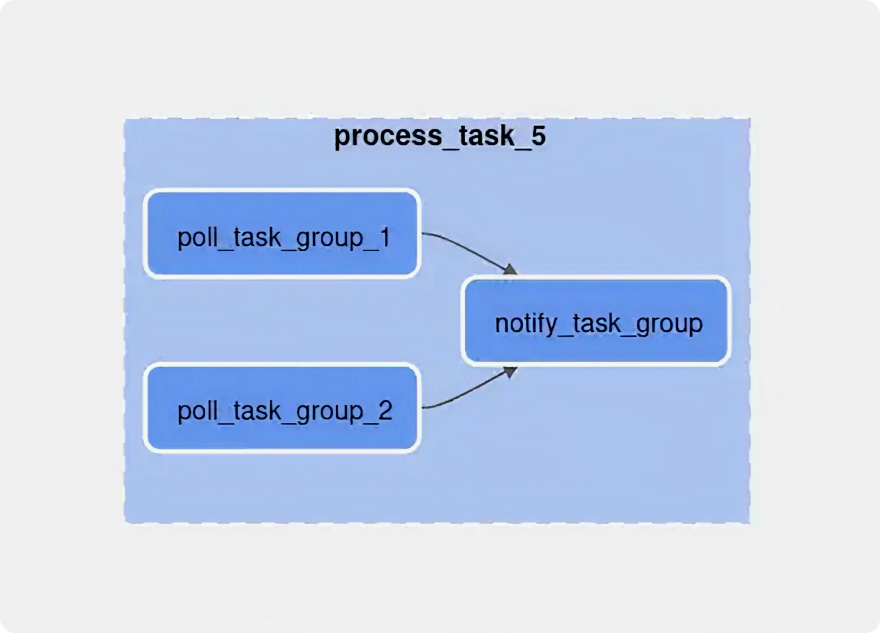
On click of each TaskGroup, we would get an expanded panel.
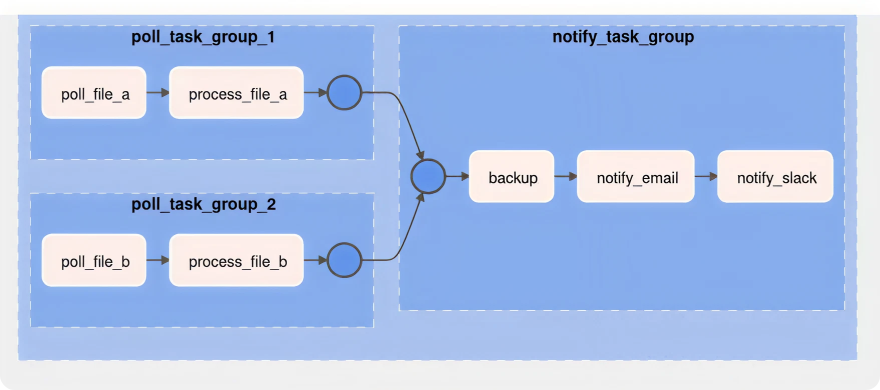
Creating TaskGroup is much simpler as can be seen above. TaskGroups can be modularized and placed in separate files and calling it wherever needed.
It is evident that TaskGroups are efficient at developing, overseeing, and upgrading tasks. They enable modularization and cleaner code maintenance. They also assist us in keeping n levels of subtasks/TaskGroups, managing our tasks visually, and effectively monitoring them. SubDAG-using projects would greatly benefit from switching to TaskGroups.